
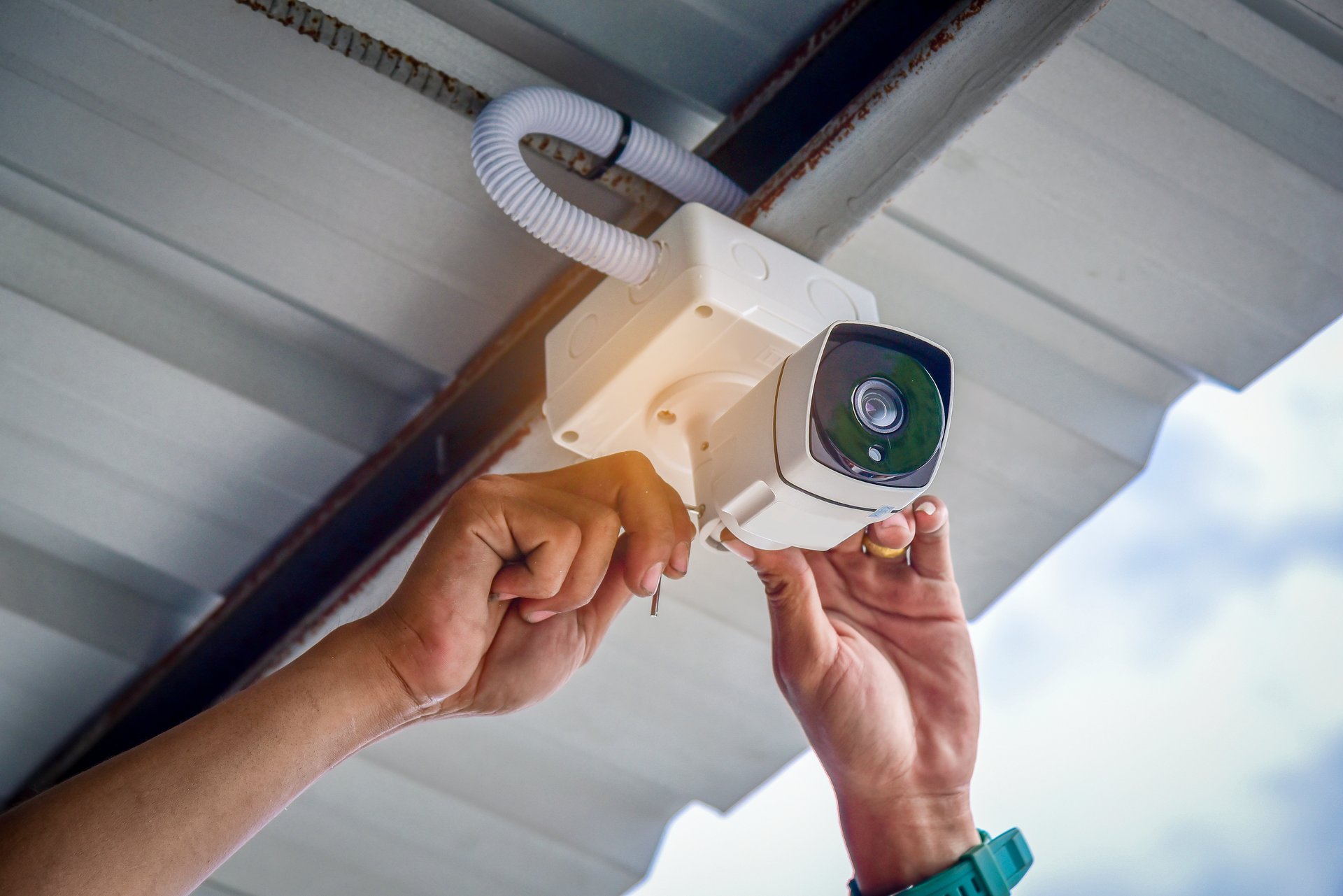
Cameras and Smart Home Tech in Westfield That
Actually Work
Dylco Electric installs and wires security cameras, video doorbells, smart switches, smart locks, and smart thermostats for Westfield homes — hardwired, powered properly, and set up so the whole system still works a year from now. Licensed, insured, and trusted since 2004.
Dylco Electric is a licensed electrical contractor in Westfield, IN, serving Carmel, Noblesville, and Fishers, that installs security camera systems and smart home automation — hardwired PoE cameras, video doorbells, smart switches and lighting, smart locks, smart thermostats, and door and window sensors. Because we're electricians, we run real wire, add the circuits and neutrals these devices need, and set the system up so it doesn't depend on batteries or a crowded Wi-Fi network. Licensed, insured, and rated 4.9 stars on Google since 2004. Call 317-896-1328 or request a free on-site assessment below.
What Security and Smart Home Automation Actually Includes
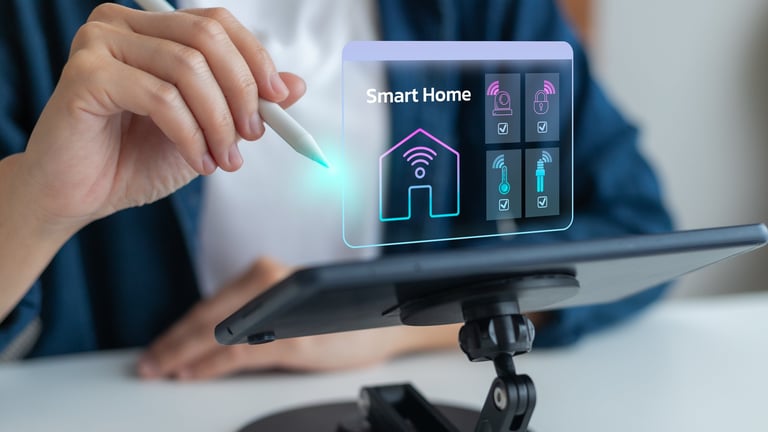
“Smart home” covers a lot of ground, so here's the plain version. A home security and automation system is a set of connected devices — cameras, sensors, locks, switches, thermostats — plus the wiring, power, and network they run on. The devices are the part you shop for. The wiring is the part that decides whether the system is still working in three years, and it's the part most homeowners never think about until something stops responding.
Dylco approaches this as electrical work, because that's what most of it is. Cameras need power and a data path. Smart switches need a neutral wire, which a lot of older Westfield switch boxes don't have. Video doorbells need adequate transformer capacity. Smart locks and sensors need to be positioned where they'll actually get signal. We handle the electrical and low-voltage side, install and mount the devices, and configure the apps before we leave.
Security Cameras & Video
Hardwired PoE cameras, video doorbells, recorders, and outdoor-rated runs.
Smart Lighting & Switches
Dimmers, smart switches, scenes, and neutral-wire retrofits in older homes.
Entry & Access
Smart locks, keypads, door and window sensors, and garage control.
Climate & Energy
Smart thermostats, C-wire installation, and integration with the rest of the system.
DIY Smart Home Kits vs. a Professionally Installed System
Both approaches can work, and we'll say plainly that a DIY kit is genuinely the right answer for some homes. They solve different problems: a kit is fast and cheap to start, a wired system is reliable and permanent. Here's the honest side-by-side.
| DIY Kit / Battery Devices | Professionally Wired System | |
|---|---|---|
| Up-front cost | Low — buy the devices and start | Higher — you're paying for wiring and labor |
| Power source | Batteries or a nearby outlet | Hardwired power, no batteries to swap |
| Ongoing maintenance | Recharge or replace batteries per device | Essentially none once it's commissioned |
| Video reliability | Depends on Wi-Fi strength and bandwidth | Wired data path, unaffected by Wi-Fi congestion |
| Recording storage | Usually cloud, often a monthly fee | Local recorder, cloud optional |
| Camera placement | Limited to where power or signal reaches | Anywhere wire can run, including eaves and outbuildings |
| Smart switches in older homes | Often blocked by no neutral wire | Neutral added, switch works as designed |
| Weather durability | Consumer-grade, mixed outdoor results | Outdoor-rated devices, sealed runs, proper penetrations |
| When you sell the home | Devices leave with you | Wiring and infrastructure stay as an upgrade |
| Who fixes it | You do | One licensed contractor with a phone number |
When a DIY Kit Is Genuinely Fine
You're renting, you want one or two cameras covering a front door and a driveway, your Wi-Fi is strong where the cameras go, and you don't mind charging batteries a few times a year. That's a reasonable setup and we'll tell you so rather than sell you something bigger.
When You Want It Hardwired
You want full coverage of the property, cameras where there's no outlet, video that doesn't stutter, smart switches in a home built before neutrals were standard in switch boxes, or a system that someone other than you is responsible for keeping alive. That's the job we do.
Security Camera Systems We Install for Westfield Homes
Camera systems come down to three decisions: how they're powered, where the video is stored, and how much of the property you want covered. We walk the house with you, mark the angles, and design around what you actually want to see.
Hardwired PoE Camera Systems
Power over Ethernet runs a single cable to each camera for both power and video. No batteries, no Wi-Fi dependency, and consistent recording around the clock. This is what we recommend for most homeowners who want real coverage, and it's the setup that holds up best over time.
Video Doorbells and Entry Cameras
A doorbell camera is the single most-used device in most homes. The install issue is almost always power — many older transformers don't supply enough for a modern doorbell camera, which is why so many of them drop offline. We check and replace the transformer as part of the job.
Wireless and Battery Cameras
Sometimes wire can't reach a detached garage, a shed, or a back fence line without unreasonable cost. In those spots we'll use a wireless or battery camera on purpose, and tell you up front what the tradeoff is on recharging and reliability.
Recorders, Storage and Remote Viewing
We set up local recording so your footage isn't locked behind a subscription, configure remote viewing on your phone, and show you how to pull and export a clip — which is the part people need at the worst possible moment and have never practiced.
Smart Home Automation That Works When the Wi-Fi Doesn't
The difference between a smart home that's a pleasure and one that's a running joke is usually the wiring underneath it. Devices that share a strong wired backbone respond instantly. Devices stacked onto a saturated Wi-Fi network do not. Here's what we install and what it takes to do each one properly.
Smart Switches, Dimmers and Lighting
Smart switches control the fixture from the wall and the app, which is what most people actually want. The catch in older homes is the neutral wire — many pre-1990s switch boxes don't have one. We add it. We also match the dimmer to the LED load so nothing buzzes or flickers.
Smart Locks and Entry Control
Keypad and app-controlled deadbolts, with attention to door alignment and strike plates, because a smart lock on a door that sticks becomes a smart lock that jams. We also wire keypads, garage control, and gate access where the property calls for it.
Smart Thermostats and Climate Control
Most smart thermostats need a C-wire for steady power, and a lot of Westfield homes don't have one at the thermostat. We pull it rather than relying on a power-stealing adapter, which is the usual source of a thermostat that reboots itself.
Door, Window and Motion Sensors
Contact and motion sensors tell you what opened and when, and they're what makes automation useful rather than decorative — lights that come on when a door opens, a notification when the back gate moves at 2am. We place them where they'll trigger correctly instead of constantly.
Structured Wiring and Network Backbone
The unglamorous part that makes the rest work: Ethernet runs to the places that need them, a clean central location for the equipment, and a network layout that doesn't put twenty devices in a fight over one access point.
Automation that routes to a smart electrical panel gives your wired devices the same backbone at the panel — circuit-level control and backup priorities for everything connected.
What Smart Home and Security Wiring Solves in Westfield Homes
Westfield's housing stock splits cleanly, and each half has its own version of this problem. The newer subdivisions going up along the 31 and 32 corridors are wired for modern loads but were rarely pre-wired for cameras — the drywall went up before anyone thought about a back-corner camera run. The established homes closer to downtown and the older Hamilton County additions have the opposite issue: plenty of places to run wire, but switch boxes without neutrals, thermostats without C-wires, and doorbell transformers sized for a chime, not a camera.
Add the weather. Indiana storms take out power and internet several times a year, summer humidity and winter freeze-thaw are hard on outdoor consumer-grade gear, and mounting a camera under an eave without a sealed penetration is how you find water in a soffit two springs later. Properly rated devices, sealed runs, and hardwired power are what make the difference between a system that works and a system you stop checking.
Coverage where there's no outlet — driveways, side yards, detached garages, and back fence lines
Video that doesn't stutter — a wired data path instead of a camera competing with everyone streaming
Smart switches in older homes — neutral wires added so the switch works the way the box promised
Doorbell cameras that stay online — transformer capacity checked and upgraded, not hoped for
Outdoor equipment that survives the winter — rated devices, sealed penetrations, correct mounting
One contractor for the electrical and the low-voltage — no finger-pointing between two trades
Homes taking on this kind of device load are often the same homes we're already helping with an electrical panel upgrade or whole-home surge protection — and surge protection matters more than usual here, because a single storm surge can take out a recorder, a network switch, and every camera on it at once.
Our Security and Smart Home Installation Process, Step by Step
Every install starts with a free on-site walkthrough and ends with a system you know how to use. Here's what to expect when you book with Dylco:
Free On-Site Walkthrough and System Design
We walk the property with you, stand where each camera would go, and look at what you actually want covered — and at the practical stuff: where wire can run, where power is, where the equipment will live. You get a straight answer on what's easy, what's hard, and what isn't worth doing.
Written Quote and Device Selection
We recommend devices that fit the home and the goal, explain the tradeoffs between the options, and give you a firm written quote covering equipment, wiring, labor, and setup. No pressure toward the biggest system.
Low-Voltage Rough-In and Wiring
Our licensed electricians run the cable — camera runs, Ethernet, new circuits, neutrals, and C-wires as needed — fished through existing walls where possible, with sealed and flashed penetrations wherever we go outside.
Installation, Mounting and Power
Cameras mounted and aimed, doorbell transformer verified or replaced, switches and dimmers installed, locks fitted and aligned, thermostats wired, recorder and network equipment racked and powered.
App Setup, Testing and Walkthrough
This is the step most installers rush and we don't. We commission every device, name everything so the labels mean something, walk the angles on camera one by one, set up remote viewing on your phone, and show you how to find and export a clip before we leave.
Why Westfield Homeowners Hire an Electrician for This Work
Most of what goes wrong with home security and automation is electrical, not digital. A doorbell camera that keeps dropping is almost always a transformer problem. A smart switch that won't install is a missing neutral. A thermostat that reboots itself is a missing C-wire. A camera that fogs over in January is an unsealed penetration. Those are all electrician problems, and hiring the trade that can actually fix them is why the system still works next year. Dylco has wired, upgraded, and troubleshot Central Indiana homes since 2004, and we do this work in-house rather than subcontracting it out.
Licensed, Bonded & Insured
Indiana electrical contractor since 2004 — we pull every permit on every job
4.9★ on Google
20+ years serving Westfield and Central Indiana homeowners
Electricians, Not Resellers
We fix the power and wiring problems that break these systems
You Own Everything
No monitoring contract required, no equipment lease — you own what we install
One In-House Crew
The electrical, the low-voltage, and the setup — no subcontractors
Straight Recommendations
Including when a smaller system or a DIY kit is the honest answer
Security and Smart Home FAQs for Westfield, IN Homeowners
How much does security camera installation cost in Westfield?
Is a hardwired camera system better than a wireless one?
Do I need a monthly subscription for home security cameras?
Why does my video doorbell keep going offline?
Can smart switches be installed in an older Westfield home?
Do you install security cameras for businesses too?
Can you install cameras and smart devices I already bought?
How long does a smart home and camera installation take?
Will the cameras still record if the internet goes out?
Do you install security cameras and smart home systems outside of Westfield?
Adding a smart electrical panel or whole-home surge protection alongside your cameras and automation? We install both together so one surge can't take out a recorder and every device on it — request a free on-site assessment below.
Get Your Free Security and Smart Home Quote in Westfield
Want cameras that stay online, switches that respond, and a system you're not maintaining yourself? Dylco Electric handles Westfield security and smart home installs start to finish — walkthrough, design, wiring, install, and setup. Request your free on-site assessment or call us directly to get on the schedule.
Free quote · Same-day callback on weekday requests · No obligation · Licensed & insured · 4.9 ★ on Google